 World Magazine 2024
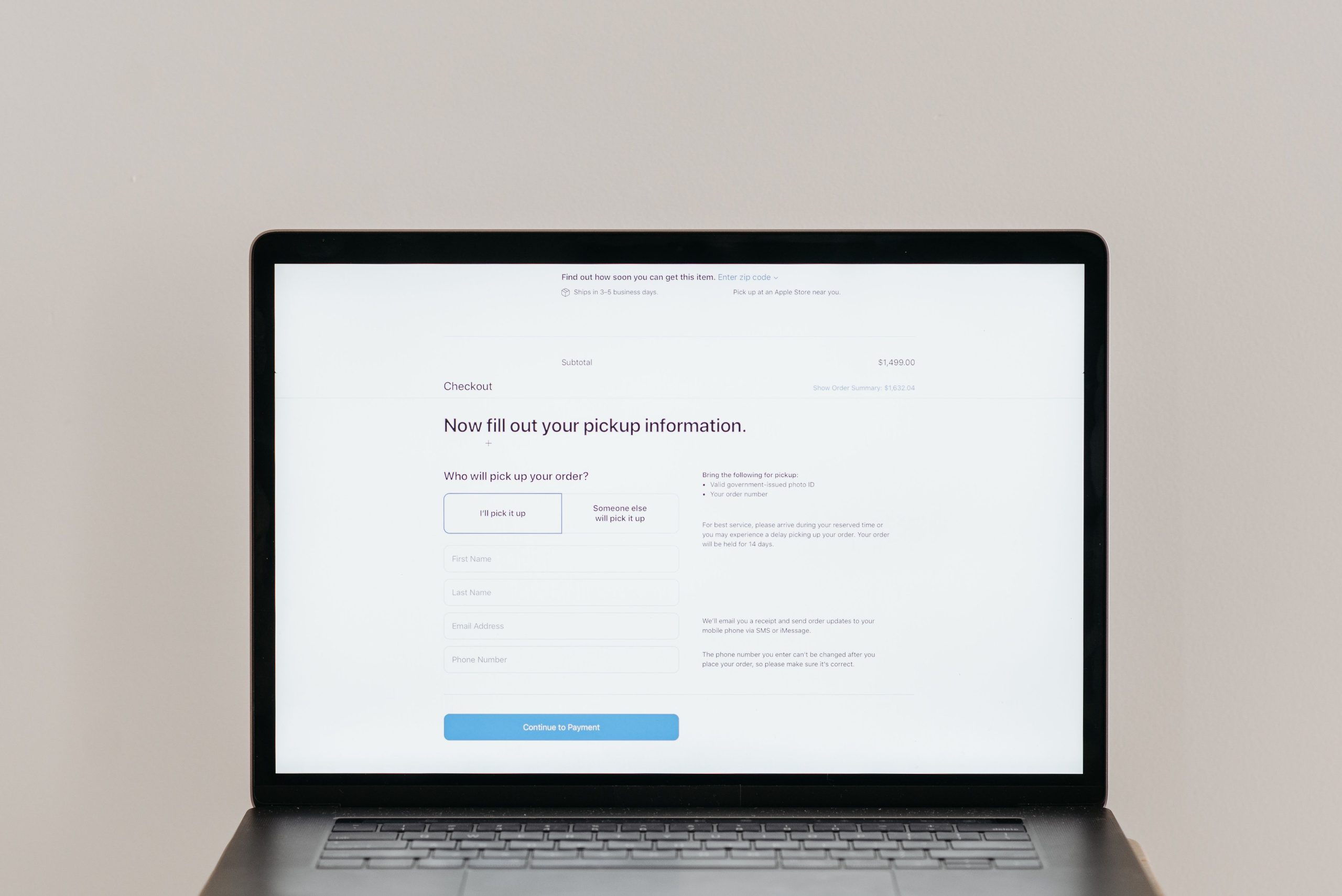
New websites appear every week, offering free tools, shopping deals, streaming libraries, games, and community forums. Some are built carefully by teams planning for the long run. Others launch quickly with thin policies and little accountability. Spending a few minutes checking before you create an account can prevent spam, data leaks, and a locked-out profile later. Here are seven things to look at first.
Table of Contents
1. Who Runs the Site and What Its Terms Say
Look for a named company, a physical address, and working contact details. A site that offers only a contact form and no company information deserves more caution. Search the business name alongside words like “reviews” or “complaints” to see whether other people have had real experiences with it. Then skim the terms of service. They explain how accounts can be suspended, who owns content you post, and how disputes are handled.
2. What the Privacy Policy Actually Says
Read the privacy policy before you submit your email address. Look for phrases such as “third parties,” “data sharing,” “advertising partners,” and “cookies.” The U.S. Cybersecurity and Infrastructure Security Agency advises checking whether a site passes your details to partner vendors and whether mailing-list boxes are ticked by default, since leaving them ticked can lead to unwanted messages. Policies change, so it is worth rechecking them every few months.
If your interest is in new online casinos, the comparison site Casinous tracks recent launches at https://www.casinous.com/online-casinos/new/, which lets you check several operators side by side before you commit. Treat any listing as a starting point rather than a guarantee, and apply the same privacy checks described in this article.
3. Whether the Connection Is Encrypted
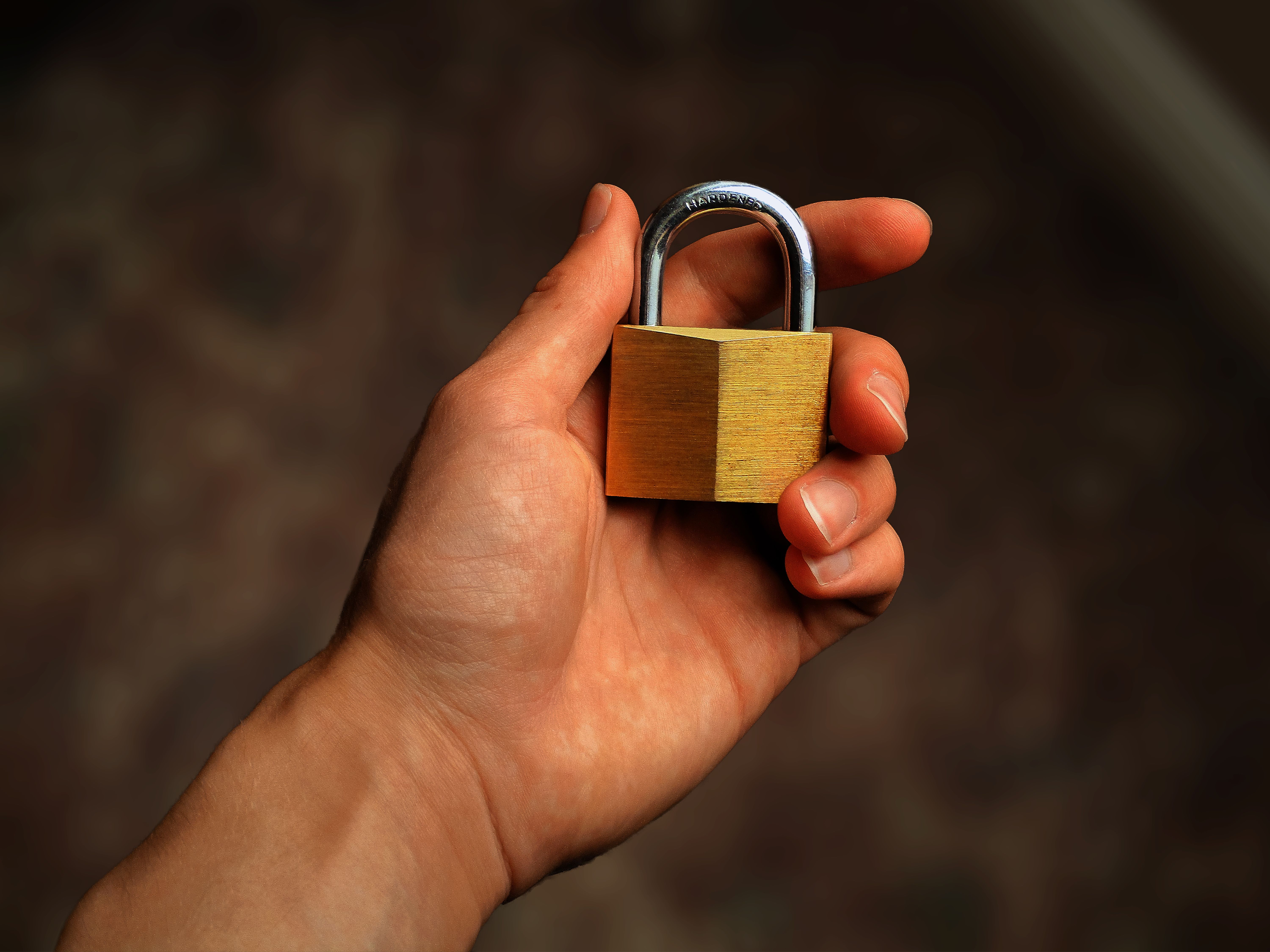
Check that the address starts with https:// and that the browser shows a lock icon. This means information sent between your device and the site is encrypted in transit. A lock does not prove the business is honest, though. Phishing sites can use encryption too, so combine this check with the company details you found in step one.
4. How Strong the Login Protection Is
Find out whether the site offers two-step verification, also called two-factor authentication. The UK’s National Cyber Security Centre explains that it requires a second proof of identity, such as a code from an authenticator app, so a stolen password alone is not enough. If a new site offers it, turn it on. If it does not, use a unique password you do not reuse anywhere else. The NCSC’s guidance on setting up 2-step verification covers the main options in plain language.
5. Whether You Can Get Help If Something Goes Wrong

New sites often have small teams, so check how support is offered. Is there email, live chat, or a help center? Is there a way to delete your account and request removal of your data? If a site makes these options hard to find, expect the same difficulty when you actually need help.
6. How Much Information It Asks For
Compare the fields on the signup form with what the service actually needs. A newsletter rarely needs a phone number, a birth date, or a home address. Give only what is necessary, and be wary of forms that ask for sensitive identifiers. If you do not want your main inbox exposed, consider using a secondary email address for sign-ups of this kind.
7. How Long the Site Has Been Live and What People Say

A brand-new launch has no track record, so early reviews matter more than polished marketing. Look for independent feedback on forums, social media, and review platforms, and be cautious when every review sounds identical or is posted within a few hours. Keep a simple written checklist so you apply the same standards to every new site you try.
Frequently Asked Questions
Is a newly launched website always unsafe?
No. Many new sites are legitimate. However, a lack of history means you should verify the company, read the privacy policy, and use strong login protection before sharing personal details.
Is the padlock icon enough to trust a site?
No. The padlock confirms encryption between your browser and the site. It does not confirm that the business is honest, so check company details and reviews too.
Should I use my main email address to sign up?
It is safer to use a separate address for new services. This limits spam and reduces the damage if the site suffers a data breach.
Signing up for a new site does not have to be a leap of faith. Treat your first visit like a short inspection: a few minutes, a handful of questions, and a willingness to walk away. Sites worth trusting usually make these answers easy to find, and the ones that hide them have already told you something useful.